web
You’re offline. This is a read only version of the page.
close
Skip to main content
Help center

Agent Call Center

  • Home
  • Téléassistance MS
  • NORAM
  • United Kingdom
  • Sign in

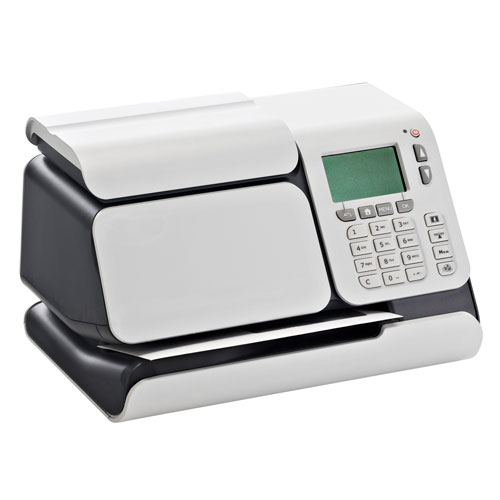
IS 280

Click on “SNS” to access the internal tool. To learn how the tool works, click on “How it works”, this will guide you through the step-by-step instructions for selecting the machine, country, and navigating its features.
SNS
(SNS) How it works?
iS-280

Account

Account Types
How to set up an account with access
How to display change account mode
How to create an account
How to edit an account
How to activate or deactivate an account

Manage Slogan

How to display a list of slogans
How to modify or delete a slogan
How to download a slogan

Imprint Memory

How to Use a Imprint Memory
How to create an imprint memory
How to edit an imprint memory
How to delete an imprint memory

Postage & Meter

Add Funds
How to unlock PSD

Ink

How to change an ink cartridge
How to clean an ink cartridge (Automatic)
How to clean an ink cartridge (Manual)

Scales

How to Zero the Weighing Platform
Change the Default Weighing Type

Troubleshooting

Event Messages

​​​​Copyright © 2025. All rights reserved.