


Screen Navigation System
How It Works
STEP 1: Click Access to SNS.
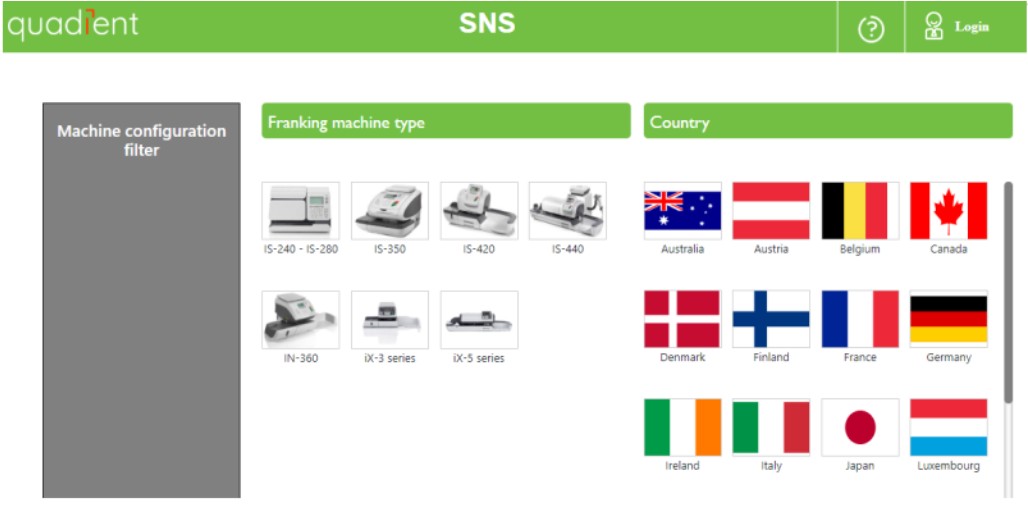
STEP 2: This brings you to a login or selection page. On this page, select the machine (perhaps a model), the country.
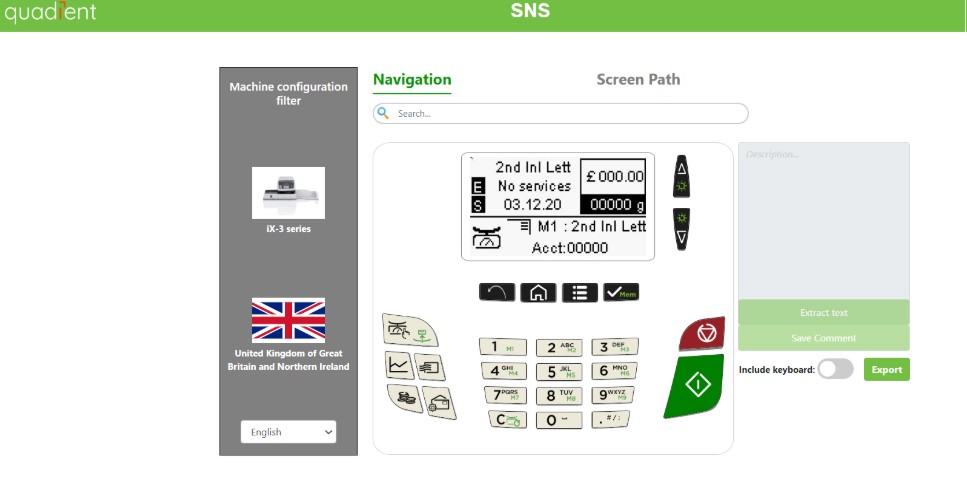
STEP 3: You can navigate through the interface. There’s an Export button allowing you to export: Just the screen, or The screen and keyboard together.
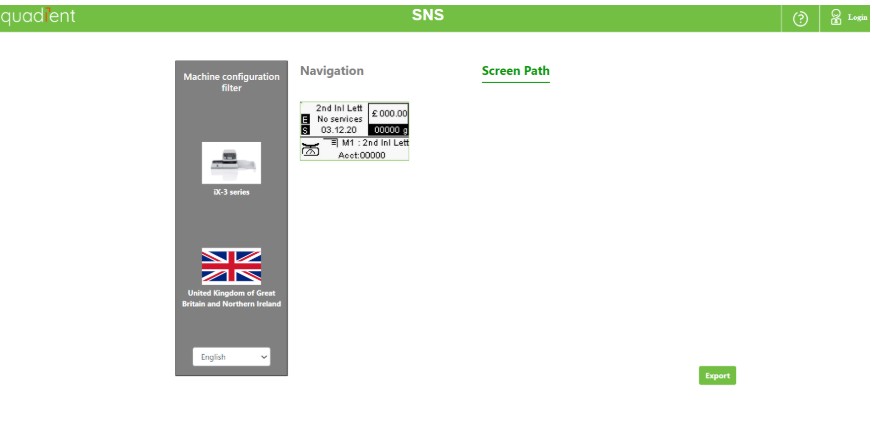
STEP 4: If you select “Screen Path”: You’ll access a page displaying the recorded path (likely a process trace or navigation path).