Withdrawal Bookings
Step 1:
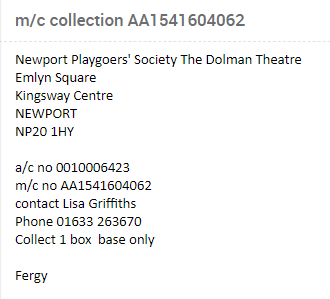
An email will be received into the withdrawal queue. Please take the account number from the email and locate the pending withdrawal equipment in Siebel
Step 2:
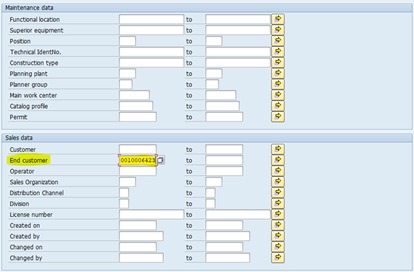
Load SAP and go into IQO9, press page down button until you see the below screen and enter the account number into “End Customer” and press F8
Step 3:
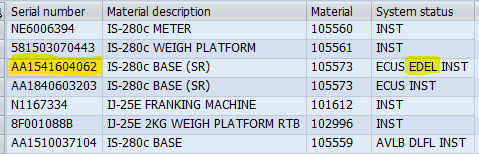
Double click the equipment that shows the “System Status” as EDEL
Step 4:
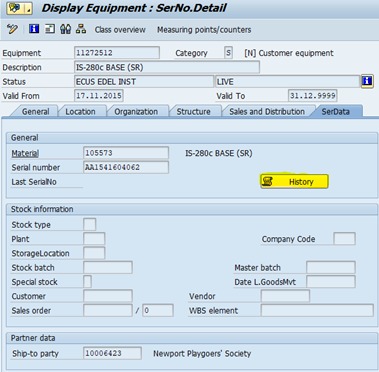
Please then Select “History”
Step 5:
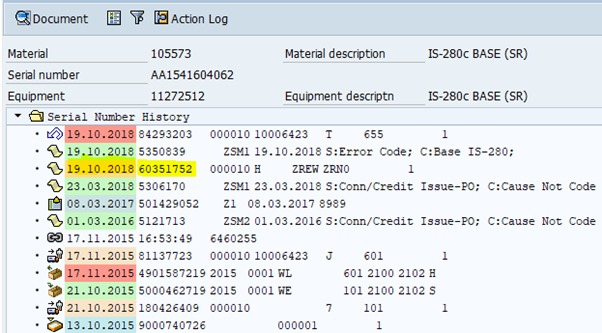
Double click the date next to the “6035” number
Step 6:
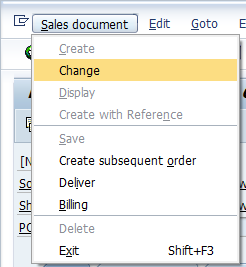
In the top right-hand corner please select “Sales Document” and click on “Change” on the drop down
Step 7:
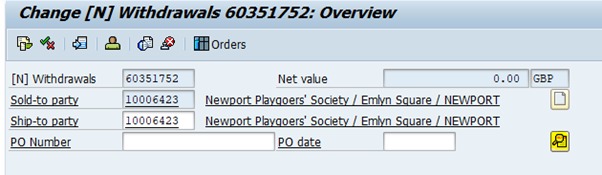
Please select the magnifying glass
Step 8:
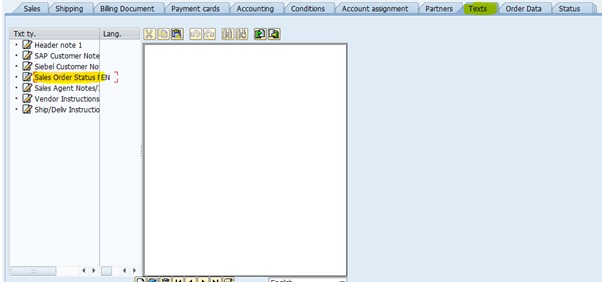
Please chose “Texts” and then “Sales Order Status Notes”