


How to verify a rate version
Step 1: Log on OLS
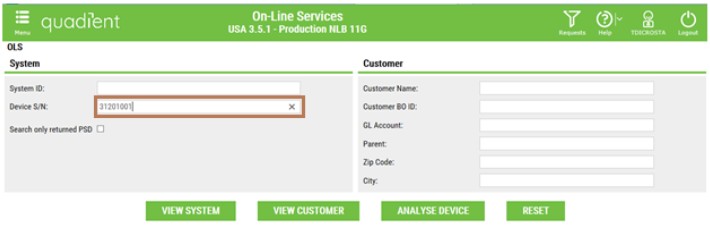
Step 2: Enter the Die Number in Device S/N
Step 3: Once you arrive on Dashboard, scroll down to the RATES section. The active rate is the one with the green check sign (the other one is the previous one)
