


How to push a software to a machine
Step 1: Log on OLS
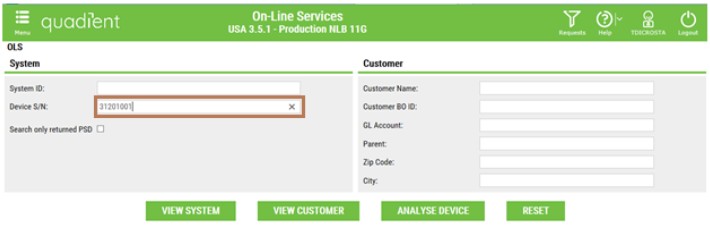
Step 2: Enter the Die Number in Device S/N
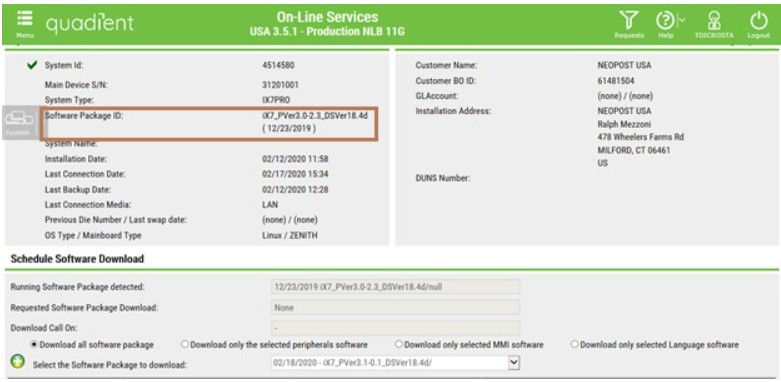
Step 3: Once you arrive on Dashboard, you can check the SW version indicated in the Software Package ID field on the dashboard.
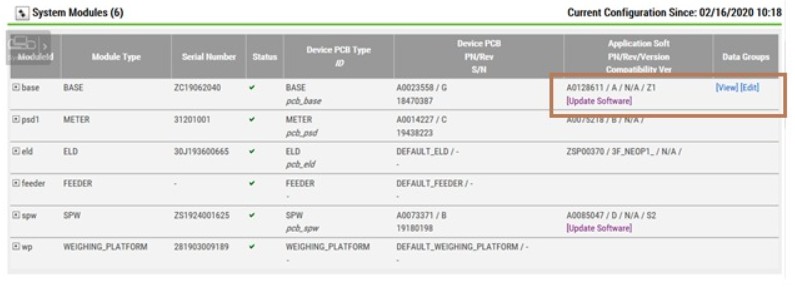
Step 4: Go below to the System Module section and click on Update Software
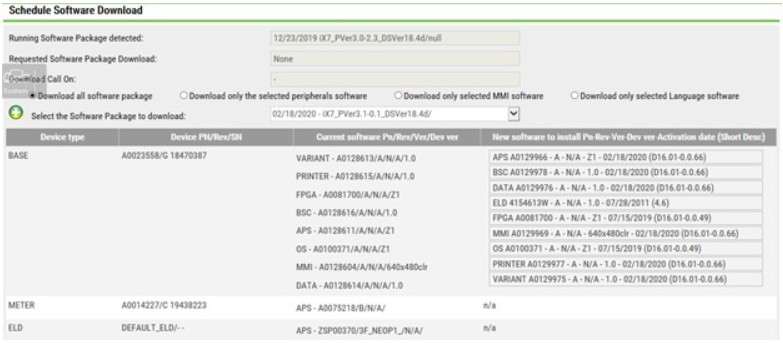
Step 5: Schedule Software Download screen will be displayed. Click on the arrow at the end of the field ‘Select the Software Package to Download’.

Step 6: Select in the drop down list the SW you want to push on the system.
Step 7: Once it is done, complete the two fields Description and Request name
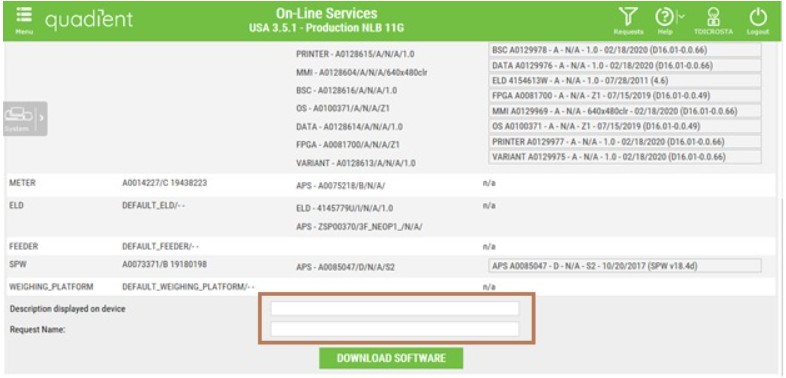
Step 8: Click on the button Download Software to complete the operation.
Remember that the machine needs to call OLS for the download to occur!