Getting a dealer customer installation account number
Programme =
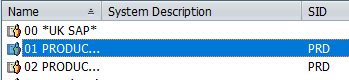
Open up SAP and double click on ’01 PRODUC’
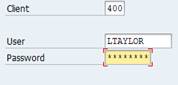
Enter your username & password and press ‘enter’
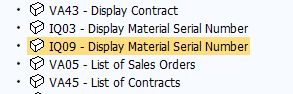
Double click on ‘IQ09’
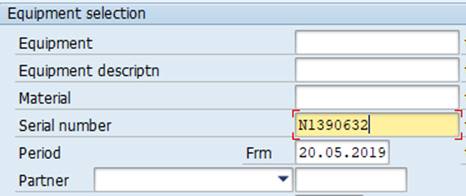
Enter the meter number in ‘Serial number’ then press ‘F8’
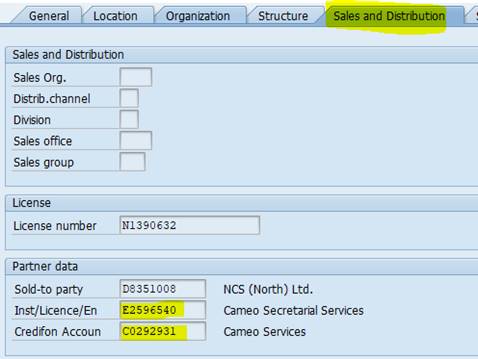
Click on ‘Sales and Distribution’
Then you will see the Inst/Licence/En number which is the end users installation account number as well as their Credifon Account number