Adding a purchase order number to a LTD invoice
NO CONTRACT
Programme =
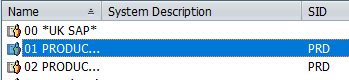
Open up SAP and double click on ’01 PRODUC’
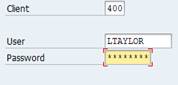
Enter your username & password and press ‘enter’
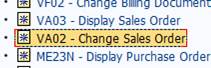
Double click on ‘VA02 – Change Sales Order’
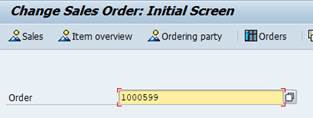
Enter order number and press ‘enter’
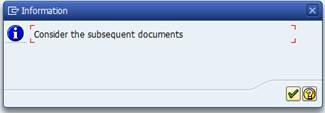
If you get the below pop up please press ‘enter’ again
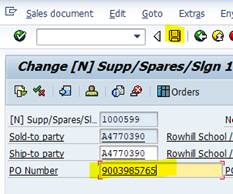
Override the PO Number with that the customer has supplied and then click ‘save’ (floppy disc)
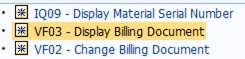
Once saved press ‘F3’ until you come back to the main page and then double click on ‘VF03 – Display Billing Document’
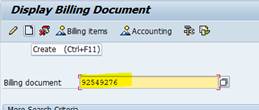
Enter the invoice number into the ‘Billing document’ box
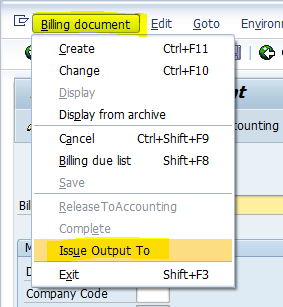
Click on ‘Billing document’ then click on ‘Issue Output To’
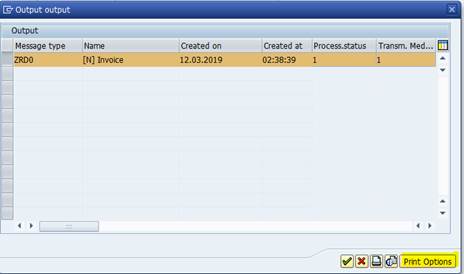
Click on ‘Print Options’
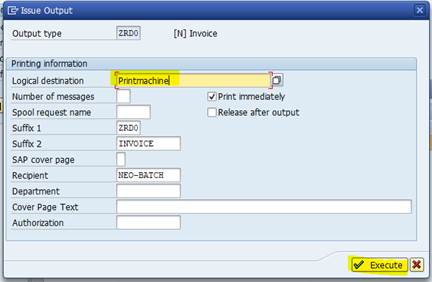
Override Logical destination with ‘Printmachine’ and click on ‘Execute’
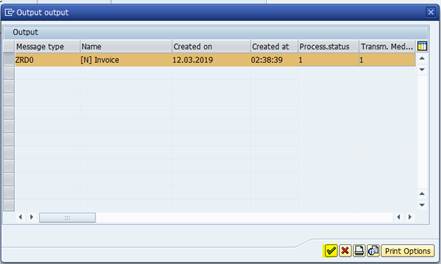
Click on the green tick ‘√‘